
Product information
Start from an ASIN or enter product facts manually. Verify imported or supplied details before treating them as a specification.
Amazon listing optimization, from facts to publication
Draft titles, bullets, descriptions and backend search terms, then follow the illustrated review below. You verify the product facts and submit the finished copy yourself.



Amazon SEO is the work of making a product listing relevant and understandable for shopping searches. It includes accurate product identity, useful wording, appropriate attributes and clear images. Visibility also depends on factors outside copy; Amazon does not publish a complete set of ranking weights that this tool can control.
Listing optimization connects that search work with the buyer’s decision: what is included, whether it fits the task and what limitations apply. Use accurate keywords without stuffing, resolve contradictory information and check current category rules. Neither a keyword checklist nor AI-generated text guarantees indexing, rank or sales.
The workspace supports drafting. The seller retains approval and publishing responsibility.
Start from an ASIN or enter product facts manually. Verify imported or supplied details before treating them as a specification.
Review suggestions alongside available US Brand Analytics ranks and reporting dates. Stored reports may be historical.
Use identity and differentiating facts, then check the marketplace’s current title rules. Character counts are only one part of the review.
Answer practical questions with supported facts and limitations. Reject invented materials, certifications, care advice or performance claims.
Review relevance and UTF-8 byte length. Removing punctuation or repetition does not validate policy compliance.
Keep an approved version and submit it manually. There is no automatic Seller Central publishing or guaranteed recommendation.
These seven editorial steps explain the work around the tool. They are not Amazon’s official procedure and do not add seven screens to the existing app.
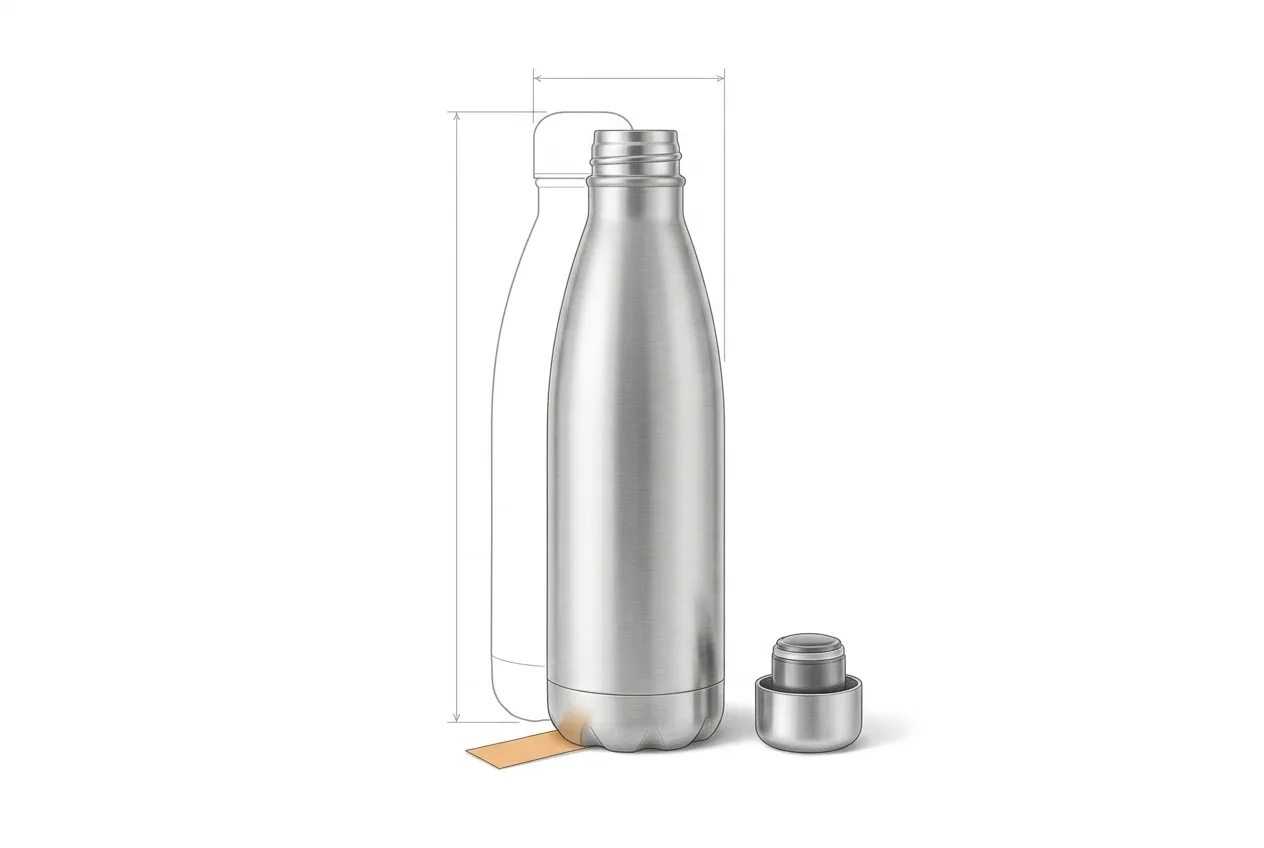
Start with the exact product, variation and pack quantity. Record material, dimensions, capacity, compatibility and care instructions with sources. Mark unanswered questions instead of asking AI to fill them in. Check catalog identity and applicable category requirements before drafting. This fact sheet is the reference for every later step.
Hypothetical example: a 750 ml single-wall stainless steel bottle with a screw cap. Insulation, leak resistance and dishwasher suitability are not assumed.
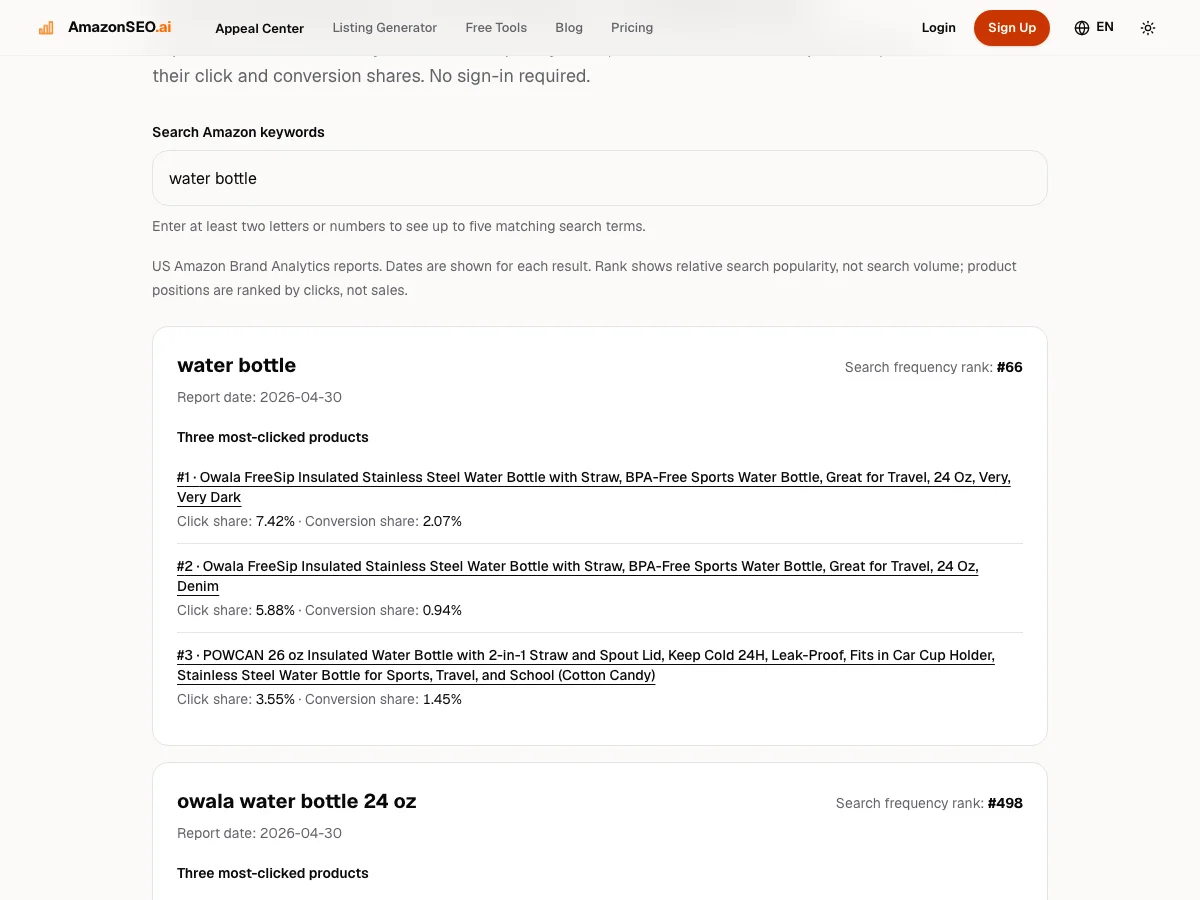
Collect terms that describe the actual product and compare their relevance before popularity. Keep the marketplace, reporting date and source with the shortlist. Search Frequency Rank is relative popularity, not exact search volume. Review displayed click and conversion shares without treating them as a product’s own conversion rate.
Example: retain “stainless steel water bottle”; exclude “insulated flask” for this product. The preview returns at most five available US records and may show historical data.
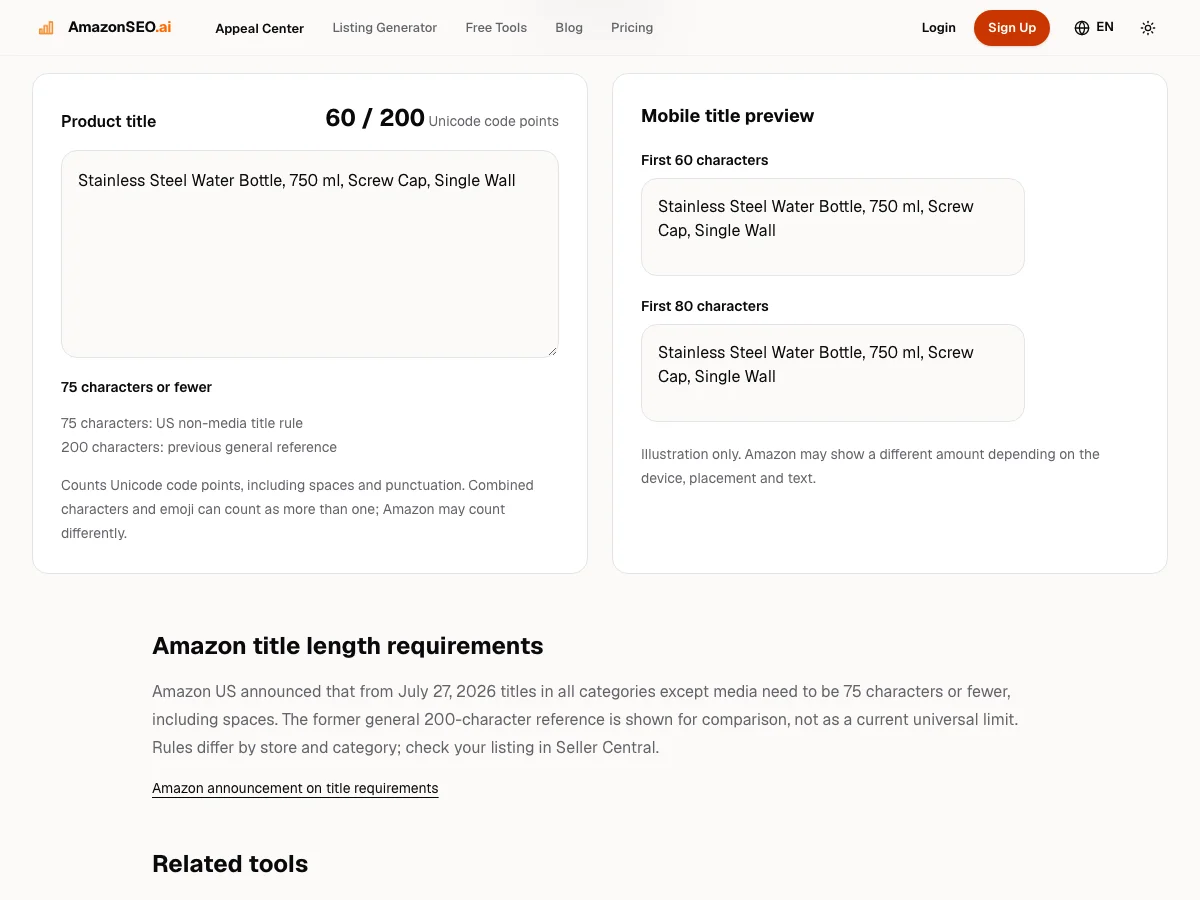
Use product identity and the most useful differentiating facts. Keep the title readable instead of repeating every keyword. Check the current title requirements for the marketplace and category you will publish in. The checker’s 75/200 prompts and 60/80-character previews are aids, not universal rules or exact mobile layouts.
Example draft: “Stainless Steel Water Bottle, 750 ml, Screw Cap, Single Wall”. Review it for your actual brand and category before use.
Explain product fit, construction, contents and limitations with evidence. Give each bullet a clear purpose rather than repeating a title phrase. Review safety, care and performance claims separately. If you cannot verify a statement, omit it or obtain the missing information before publication.
Before: “The ultimate flask, cold all day.” After: “Single-wall steel construction; not insulated.” This example removes an unsupported temperature-retention claim.
Use the description to explain verified details that need more space. Check that images show the correct variation and quantity, and that dimensions and materials agree with structured fields. Plan any additional photography or diagrams yourself; the listing generator does not produce or submit a complete product-image set.
Example: a secondary image can show verified dimensions and included contents. A single-unit offer should not imply that two bottles are included.
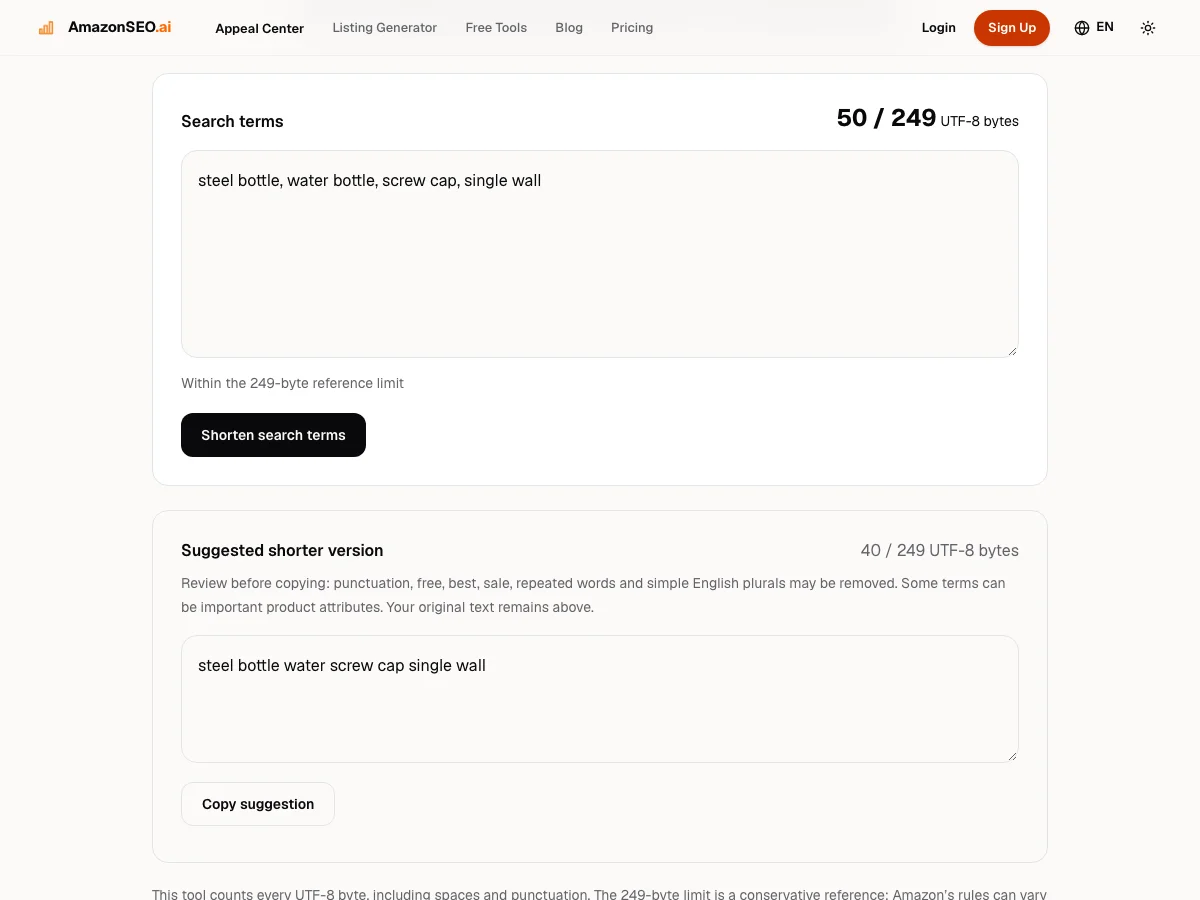
Keep remaining terms relevant, remove unnecessary duplication and inspect the UTF-8 byte count. Check the limit and other rules that apply to the actual field and marketplace. The common under-250-byte target is an editing aid, not global certification. Review the full listing for unsupported claims and prohibited content.
Example: “water bottle” and “insulated flask” are not interchangeable. Shortening a string below the byte target does not make an inaccurate term acceptable.
Approve the draft against your fact sheet, then submit it yourself in Seller Central. Inspect the rendered detail page, selected variation and offer after publication. Save the previous version, change date and observation plan. Compare suitable reporting windows and record simultaneous price, advertising, stock and seasonal changes.
Example decision record: “Capacity wording clarified; no price change; compare relevant questions and business measures after enough observations.” A later sales change alone does not prove the edit caused it.
The examples are fictional. Keep your actual product evidence separate from draft text.
The hypothetical bottle’s material and capacity are confirmed, but no thermal performance or care method has been established. The revised copy should become more precise by using known facts, not more elaborate by adding plausible-sounding claims.
A short product workflow describes how someone uses the software. A tutorial can divide the surrounding work into more detailed tasks, including evidence collection, image checks and post-publication review. Neither number is an Amazon standard.
Use the seven steps to review a product without changing the app’s operation. If a task requires new photographs, supplier confirmation or a Seller Central action, complete it outside the drafting tool rather than assuming the software has done it.
Search Frequency Rank describes a query’s relative popularity, not your ASIN’s search position. Click share and conversion share use different denominators. Keep report names, marketplace and dates when interpreting a change.
Save the previous copy and log price, availability, ads and promotions. Compare suitable windows and use a controlled test where appropriate and available. A small sample or several simultaneous changes may leave the result inconclusive. Do not convert that uncertainty into an invented uplift.
Amazon SEO improves the relevance and clarity of product information for shopping searches. It includes accurate wording and attributes, but it does not give a seller control over every ranking factor.
A seller researches relevant language, describes the actual product clearly, completes applicable attributes and reviews performance. Amazon’s internal systems decide retrieval and ordering; the cited public guidance is not a complete ranking formula.
It is the ongoing review of product information, copy, images and applicable fields so a buyer can understand the offer and decide whether it fits. Accuracy and current marketplace requirements come before keyword repetition.
No. They are the teaching structure of this guide. The app’s existing workflow is unchanged, and applicable Seller Central requirements still govern publication.
No. It drafts copy. You verify the facts and rules, submit the changes yourself and inspect the published detail page.
Check the current marketplace, category and field requirements. Character and UTF-8 byte counters help review a draft but do not certify it against every Amazon rule.
Next step
Use product facts and relevant keywords to draft listing copy. Review it against current Amazon rules, then submit it yourself.
Open the listing workspace